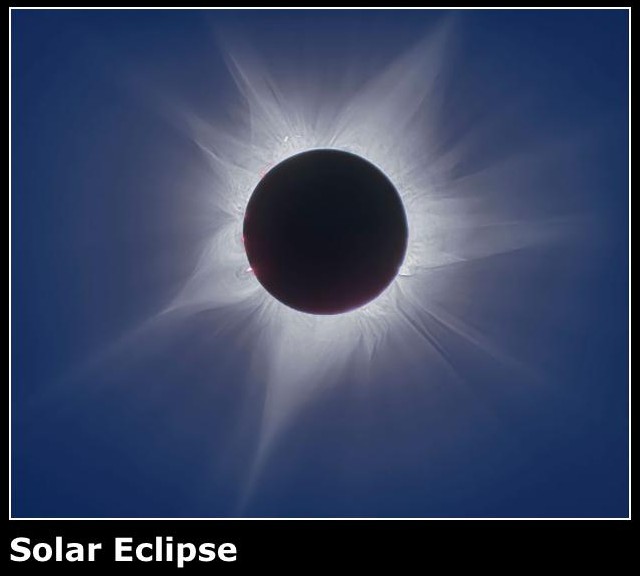
A react website which brings in Nasa's photo of the day for any selected date.
Tools:
HTML, CSS, React, API keys
The mission:
Learn more about using public APIs
What I did:
- In my CODELancashire lesson, I'd learned about bringing information in from an API, but we'd only used dummy information, and I wanted a real-world example.
- I chose Nasa's API, which posts an astronomy photo each day. It had plenty of data, information and an image URL, and I like pictures of space, and ticked all my boxes.
- I opted for HTML, CSS and React for the build.
- The first step was to acquire an API key, then add it to my code in a way that would keep it hidden from both Github and users of the website. This stops anybody else using my allowance, or doing malicious things.
- First of all, I brought in the most recent photo. I used the low resolution image for the initial display, and chose to link to the higher resolution version for anybody who wished to click through.
- Then I added the function to see yesterday's photo, last week's photo and last year's photo. This required finding out the current data according to Nasa (they're in a different time zone, I didn't want any miscalculations because of that) and using react's built in tools to make the calculations.
- At CODELancashore, one of my fellow students had added a date selector into their project, which I really admired. I'd been waiting for an opportunity to use one ever since, and this seemed like the perfect time. I set Nasa's current date as the maximum, and their first photo in 1996 as the minimum, and now the user can navigate to any photo in archive.
- And because sometimes I like to make things more complicated than they need to be, I added in a random date function which again picks a date between now and the first photo posted, looks it up in the API archive and posts the corresponding photo and information.
- I thought the information which accompanies the photo was interesting and useful, but there's too much of it, and it makes the UI clunky, so I had it behind a 'show more' button.
- Similarly, I wanted the user to be able to view the highest resoltion photo if they wanted to, but didn't think it was necessary to view it as default. Luckily, Nasa offers two options. So the main photo you see is lower resolution, but enough for the app to work, and the higher resolution photo is available by link.
The outcome:
I learned a lot about APIs and bringing in information with JSON. This was also my first project using an API key with limitations. Here, I learned the lesson that if you make a mistake with your code which results in an infinite loop, you'll quickly use up your daily allowance and you won't be able to work on your project until the next day.
I also found a useful way to bring in a date selector, which I enjoyed.